

Node.js: The Surprising Truths.
Unlock the myths and get to the core of how Node.js really works. This article isn't just about what you know, but what you think you know. We're cutting through the noise to reveal the surprising truths about the Event Loop, asynchronous operations, and module systems that power your code. Prepare to have your assumptions challenged and your understanding deepened.
The Event Loop Isn't Multithreaded

This is probably one of the most stubborn myths out there. The Node.js runtime itself is single-threaded. So how can it handle a ton of requests at once without getting bogged down? The secret is the event loop. It's a clever mechanism that makes non-blocking, asynchronous operations possible, but it doesn't do so by creating a new thread for every single request.
Instead, the event loop offloads heavy, blocking I/O (Input/Output) operations—think file reads or network requests—to a separate thread pool managed by the libuv library. Once an operation in that pool is finished, a callback is queued up. The event loop is constantly checking this queue, and when the main thread is free, it pulls a callback and runs it. This is why the main thread stays non-blocking and super responsive.
setTimeout(fn, 0) Doesn't Run Immediately
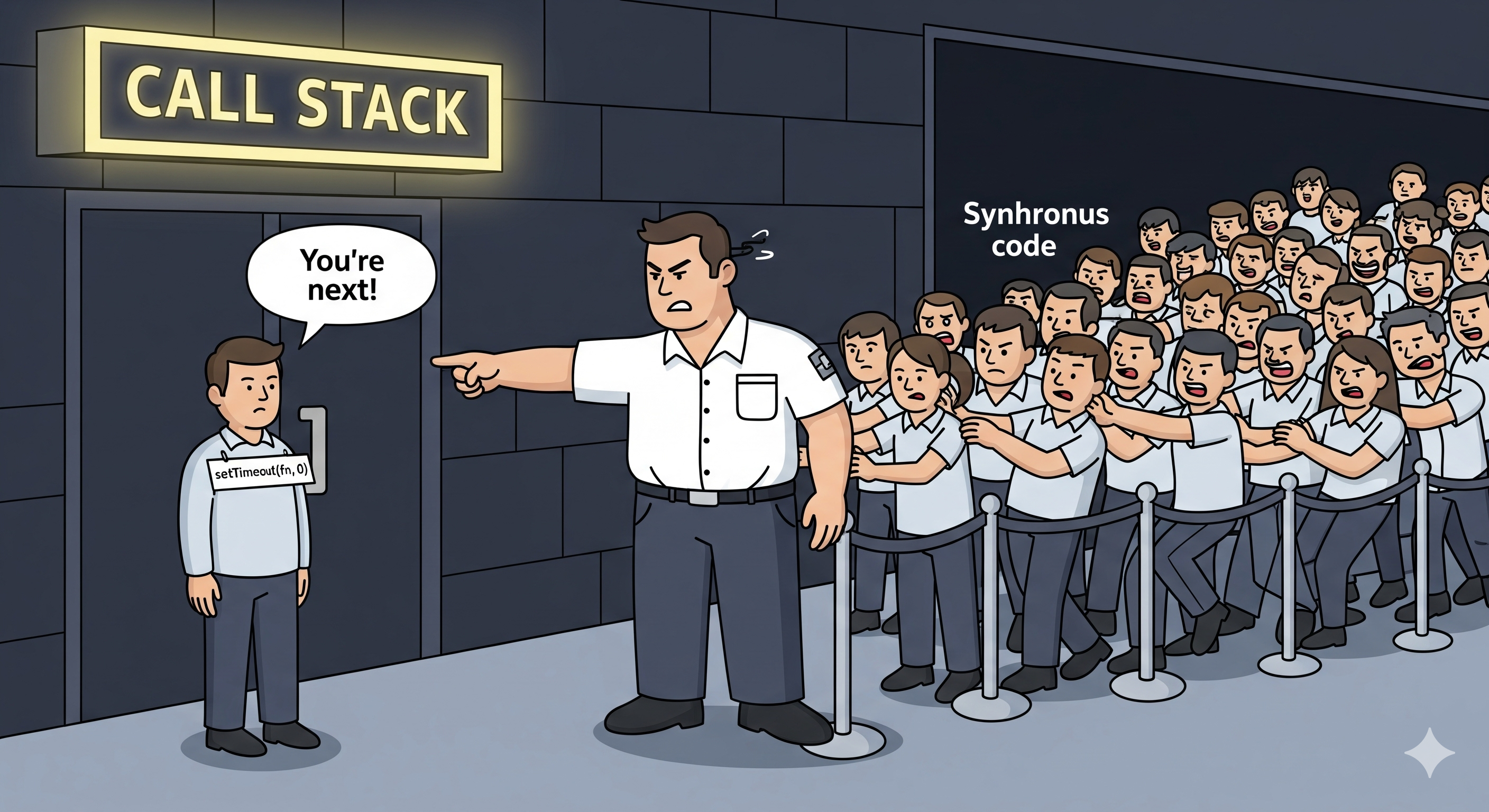
You'd think a zero-millisecond timeout would execute a function right away, but that's just not how it works. Calling setTimeout(fn, 0) just puts the function on the timers queue. The event loop only gets to this queue after all the synchronous code on the call stack has finished. The actual time it takes for the callback to run depends on how busy the event loop is. It's basically saying, "run this as soon as you can, but after you're done with everything else you're currently doing."
Promises and async/await Still Use the Event Loop
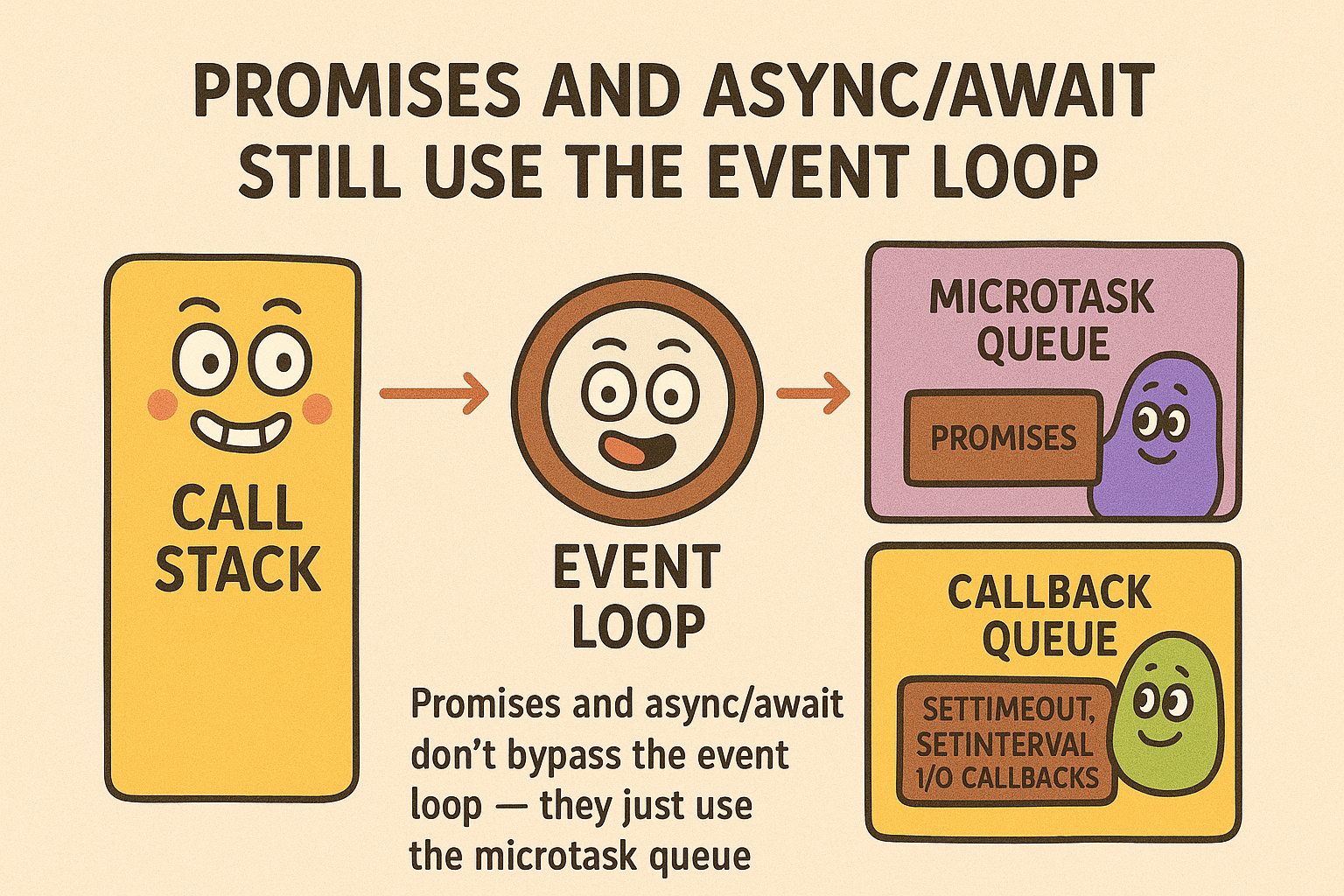
This is another common mistake. Promises and async/await are essentially just a cleaner way to handle callbacks; they don't magically bypass the event loop. In fact, they use a higher-priority queue called the microtask queue.
When a Promise resolves or rejects, its .then() or .catch() callback is placed in the microtask queue. The event loop processes the entire microtask queue right after the current task on the call stack is finished and before it moves on to the next phase. This is why a Promise.resolve().then(...) will always execute before a setTimeout, even if the timeout is set to 0ms.
The Microtask Queue vs. The Macrotask Queue
Microtasks (from Promises,
process.nextTick): These run after the current synchronous code is done, but before the event loop moves to the next phase. They are processed until the queue is empty.Macrotasks (from
setTimeout,setInterval, I/O events): These are handled in a later phase of the event loop, one at a time.
Node.js Isn't Always the Best for CPU-Intensive Tasks
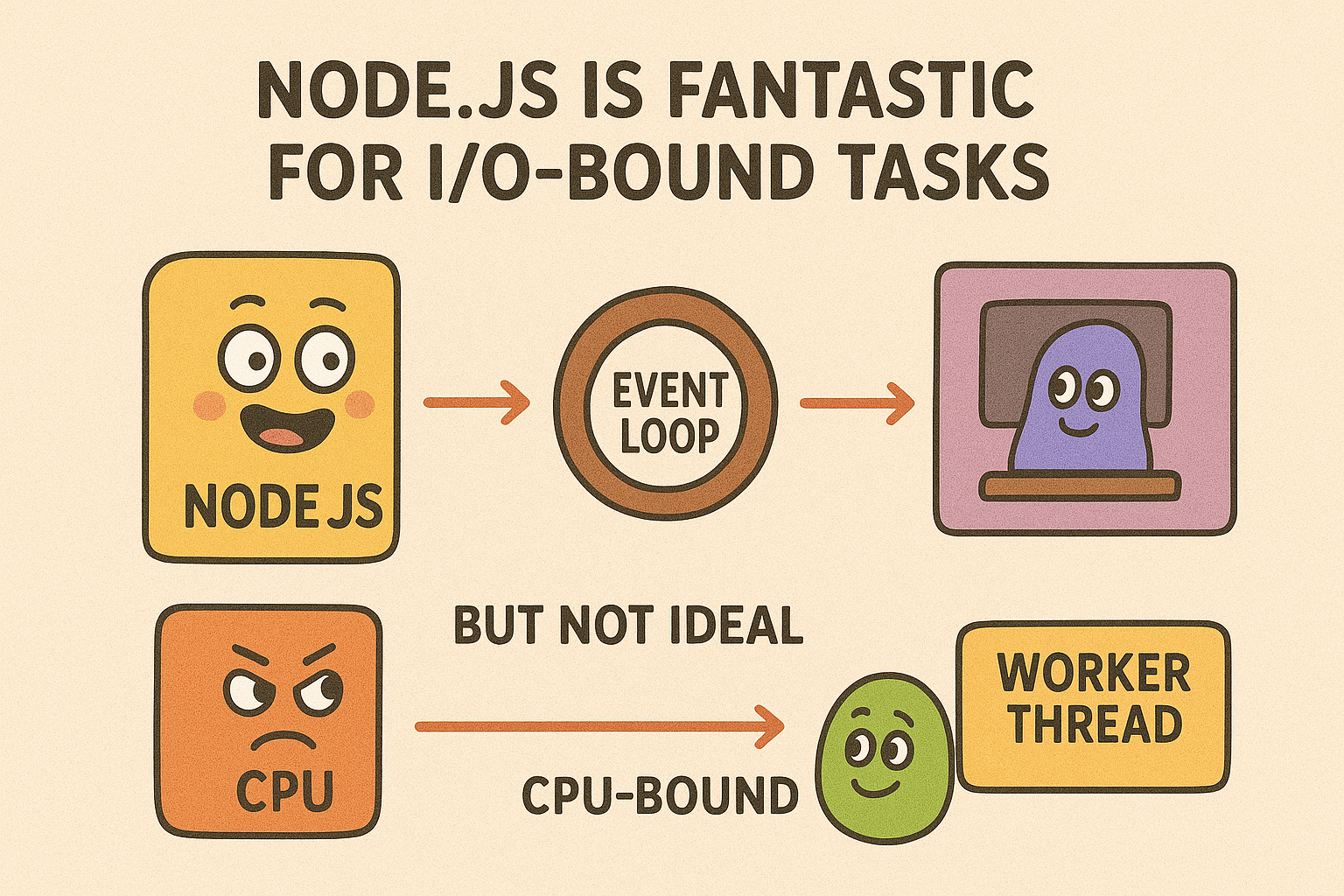
Node.js is fantastic for I/O-bound tasks, like a web server handling many concurrent requests, thanks to its non-blocking, event-driven design. However, it’s not ideal for CPU-bound tasks (think heavy data encryption or complex image manipulation). Since the main Node.js thread is single-threaded, a long-running CPU-intensive task will block the event loop, making the whole application unresponsive until that task is complete.
For these kinds of tasks, it's smarter to use Worker Threads to run the operation in a separate thread or offload the work to a different service. This keeps your main thread free to handle new requests and other important operations.
CommonJS (require) and ES Modules (import) Are Different
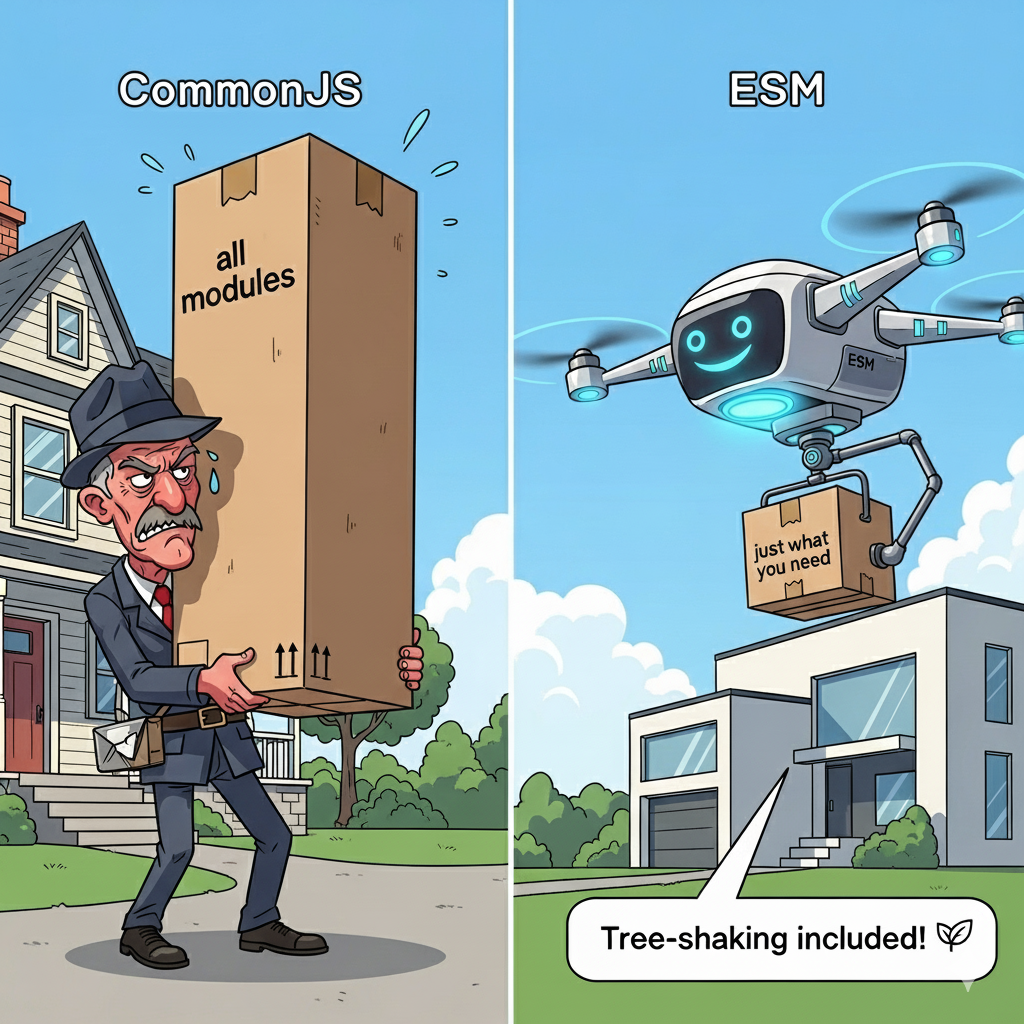
While both systems help you manage modules, they are not the same thing.
CommonJS is the original, synchronous module system in Node.js. It loads modules one by one. You use
require()to import andmodule.exportsorexportsto export. This is the default for.jsfiles in Node.js projects unless you've specified otherwise in yourpackage.json.ES Modules (ESM) is the modern, standardized module system for JavaScript. It's asynchronous and enables features like tree-shaking, which can boost performance. You use
importandexport. To use ESM, you must either add"type": "module"to yourpackage.jsonfile or use the.mjsfile extension.
Trying to mix and match require() in an ES Module or import in a CommonJS module will cause errors unless you have a specific setup or use a transpiler like Babel.
And there you have it — the myths are busted. From the single-threaded magic of the Event Loop to the real behavior of setTimeout and the key differences between CommonJS and ES Modules, you've now got the full picture. Keep these core concepts in mind as you build, and your Node.js code will be more efficient, predictable, and powerful than ever before.


